MyEclipse for Spring
Code Reference: CustomerEditWidget.ui.xml
The declarative layout for the customer form widget. This page explains the layout tags, the field bindings and the message area.
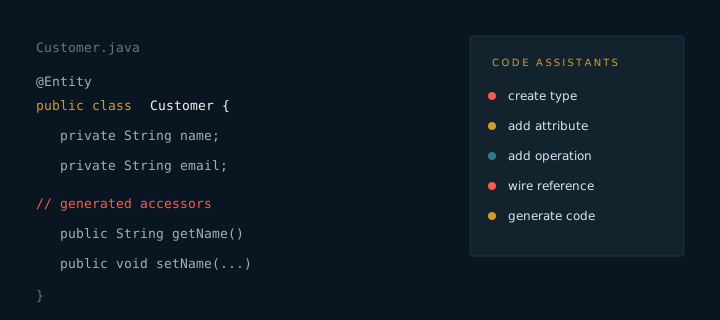
The ui.xml file is the declarative layout for the customer form. It places the labels, the input fields, the message area and the action buttons. The matching widget class wires the fields and handles events, so the layout stays easy to read.
Layout sections
- Header. The screen title and a short instruction.
- Fields. A two column layout for labels and inputs.
- Messages. A reserved area for validation and success text.
- Actions. Save and cancel buttons aligned to the right.
Bindings
Each input carries a field name that matches an attribute in the model. The widget binds those names to the editor state. When a name drifts, the form renders but the value does not arrive in the editor. Check the names first when a field appears to be ignored.
Because the file is generated, change the layout through the model or the recipe. Manual edits are overwritten on the next run. If a screen needs a very different layout, copy the file into a custom package and point the widget at the copy.