MyEclipse for Spring
Code Reference: Customer.java
The sample entity used across the 8.6 tutorials. This page lists its fields, constraints and generated behaviour.
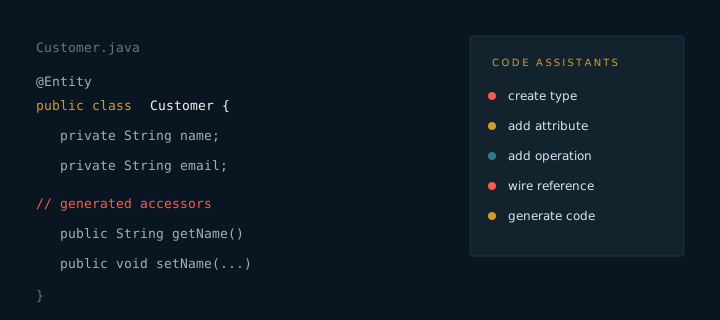
Customer is the central entity in the 8.6 sample project. It is small on purpose: three fields and one key are enough to demonstrate generation, validation and a list screen.
Fields
- id. Generated primary key, assigned by the persistence provider.
- name. Required text with a maximum length of 80 characters.
- email. Required text with a format check and a unique constraint.
- status. A short text value used by the list filter.
Generated behaviour
The entity receives accessors for every field, a default constructor and a toString method for logging. Equality is based on the key. The generated equals and hashCode methods follow the persistence rules so that the entity behaves correctly in sets and maps.
@Entity
public class Customer {

    @Id
    @GeneratedValue
    private Long id;

    @Column(nullable = false, length = 80)
    private String name;

    @Column(nullable = false, unique = true)
    private String email;
}
Do not edit generated entities by hand. Add fields in the model and regenerate. A manual edit is lost on the next run.
The name and email fields appear in the list screen, the form screen and the search query. Renaming a field in the model renames it in all three places after regeneration.