Recipes
Recipe: Packaging and Deployment
A generated project is only useful when it can be packaged and deployed. This recipe covers the build file, the archive layout and the settings that change between environments.
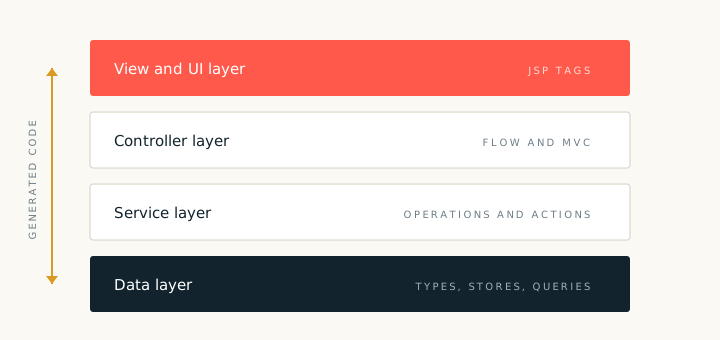
The packaging recipe produces a build file and an archive layout for the project. The default target is a web archive that can be deployed to a servlet container. The same project can also be packaged as an executable archive when the target server supports it.
Build file
The generated build file lists the Spring dependencies, the persistence provider, the logging bridge and the test libraries. Versions live in one properties block so that an upgrade is a single edit. Keep the build file under version control and review changes to it like any other source file.
- Compile scope. Spring core, web and persistence libraries.
- Runtime scope. The database driver and the servlet API provided by the server.
- Test scope. The test framework and an in memory database.
Environment settings
Keep environment values outside the archive. The recipe writes a property file with placeholder values and a profile switch. Set the database URL, user, password and mail host at deploy time. Never commit real credentials to the generated project.
Archive layout
The archive contains compiled classes, resources, views and static assets. Library files go under the shared library folder when the container supplies them, or under the archive library folder when the application must be self contained. Choose one approach per project and record it in the project notes.
After deployment, check the application log for the context startup line and for any unresolved property placeholder. A missing property is the most common deployment failure, and it is easy to spot in the first few lines of the log.