MyEclipse for Spring
Initialization Wizard: Selecting the Data Access Object
The initialization wizard asks which data access style the project should use. This page explains the choices and their effect on generated code.
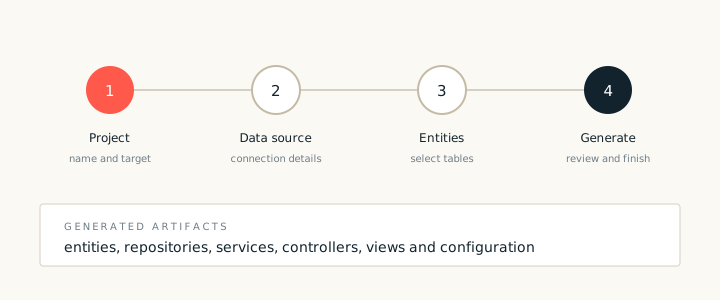
The initialization wizard configures a new project before any scaffolding runs. One of its choices is the data access style. The choice sets the base type for generated repositories and the way queries are declared.
The choices
- JPA repository. Generated repositories extend a Spring Data style base and use derived query methods.
- DAO with a template. Generated data access objects use a persistence template and explicit query methods.
- Existing data layer. The wizard writes no data layer and expects the project to supply one.
Effect on generated code
The choice changes the repository interfaces, the service constructor parameters and the test starters. It does not change the entity model or the views. That means a project can switch styles later, although the switch touches every repository and service.
If the project already has a data layer, choose the existing data layer option and point the wizard at the package. The scaffolding then generates services and views over the existing types without creating a second data layer.