MyEclipse for Spring
Scaffolding a GWT Application with MyEclipse for Spring 8.6
How the 8.6 scaffolding tools generate a Google Web Toolkit front end on top of a Spring service and data layer.
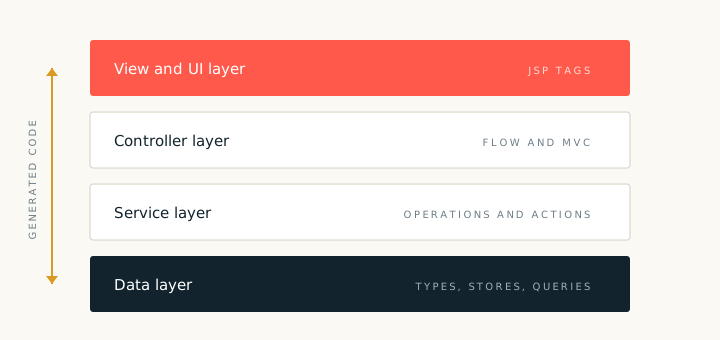
MyEclipse for Spring 8.6 can scaffold a Google Web Toolkit front end as well as a JSP front end. The server side stays the same: entities, repositories, services and a Spring context. The client side becomes a compiled Java to JavaScript application that calls the services through a remote service endpoint.
Scaffolding steps
- Create or open a project with a data source and the required entities.
- Start the GWT scaffolding wizard and choose the entities.
- Select the operations to expose to the client.
- Choose the client package and the module name.
- Run the wizard and review the generated client and server artifacts.
Client and server artifacts
- Client. Entry point, views, presenters and service proxies.
- Shared. Transfer types used on both sides of the call.
- Server. Remote service implementations that delegate to the Spring services.
- Module. The GWT module descriptor and the page that hosts the compiled client.
Keep transfer types small. Only send the fields that the screen needs. Large object graphs slow the client and make the serialization contract harder to maintain.
The generated client uses the same service layer as the JSP screens. That shared service layer is the main benefit of the approach: two front ends, one set of business rules and one transaction boundary.