Model reference
Reference Figure: Scaffolding Wizard, Screen Three
The third screen of the scaffolding wizard selects the entities and the operations to generate. This figure explains each choice.
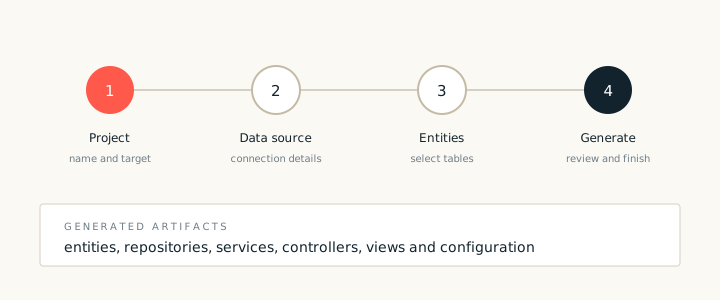
The scaffolding wizard walks through project, data source, entities and output. The third screen is where the generated application takes shape: it selects the entities, the operations and the naming pattern.
Choices on screen three
- Entities. The tables or model types that become application types.
- Operations. List, show, create, edit and remove, plus any custom query.
- Naming. The type prefix, package names and view folder.
- Flow style. A single flow per entity, or one flow for a group of related entities.
Choosing operations
Start with list, show, create and edit. Add remove only when the application has a clear policy for deletion, such as a soft delete flag. Generating a remove operation that the business never uses adds a screen and a test that must be maintained for no benefit.
When the screen is complete, continue to the summary. The summary repeats every choice and lists the artifacts that will be created. Read it before you finish, because a late change costs more than an early one.