Model reference
Reference Figure: Spring Web Flow Scaffolding Blueprint
A blueprint lists the files a scaffolding run will create before it creates them. This figure shows the sections of a Web Flow blueprint.
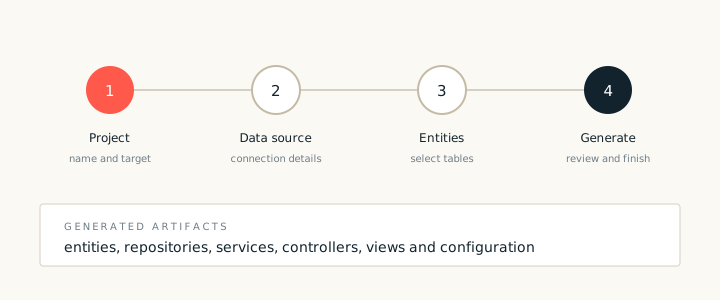
A blueprint is a preview and a plan. It lists the artifacts that a scaffolding run will create, the templates it will use and the model inputs it will read. Reviewing the blueprint before the run is faster than reviewing a large change set afterwards.
Sections of a blueprint
- Source model. The tables or model types that the run will read.
- Artifacts. One entry for each file the run will create.
- Templates. The recipe templates used for each artifact.
- Options. Package names, view style and naming rules.
Why preview first
A preview makes naming mistakes cheap to fix. If the blueprint shows a package name that does not match the project, correct it before the run. Renaming generated files afterwards touches imports and views, which is slower and riskier.
The blueprint also documents the run for reviewers. Attach it to the change request so that the reviewer can see what was generated and which template produced each file.