Model reference
Reference Figure: Exporting a Customization JAR
A customization JAR packages your recipes and templates so that another project can reuse them. This figure shows the export steps.
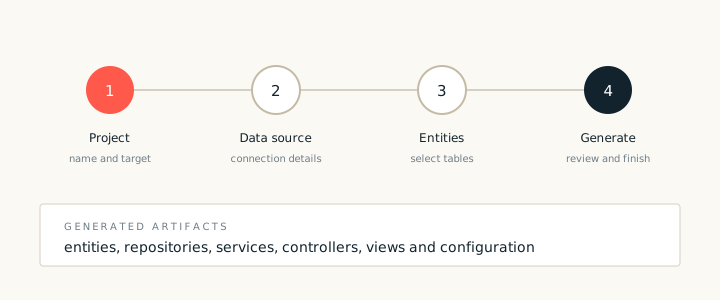
A customization JAR is a reusable bundle of recipes, templates and metadata. Export it when a team has tuned generation to its own conventions and wants the same result in another project. The JAR can be shared inside an organisation or kept beside a project.
Export steps
- Open the customization project and confirm that every recipe passes validation.
- Choose the export command and select the recipes and templates to include.
- Set a version and a clear name, such as
acme_spring_recipes. - Review the contents list, then write the JAR.
What to include
- Recipes. The generation rules and their inputs.
- Templates. The files that recipes render.
- Metadata. Names, versions and compatibility notes.
- Tests. Sample models that show the expected output.
Version the JAR. Increment the version whenever a template changes. A project that pins a version gets a predictable result, and an upgrade becomes a deliberate choice.
Store the JAR in the same artifact repository as the other build dependencies. That way a new developer gets the correct recipes with the project, without a separate setup step.