Model reference
Reference Figure: Creating a New Java Class with the Annotator
The annotator adds model annotations to an existing Java class. This figure shows the class before and after annotation, and the resulting model entry.
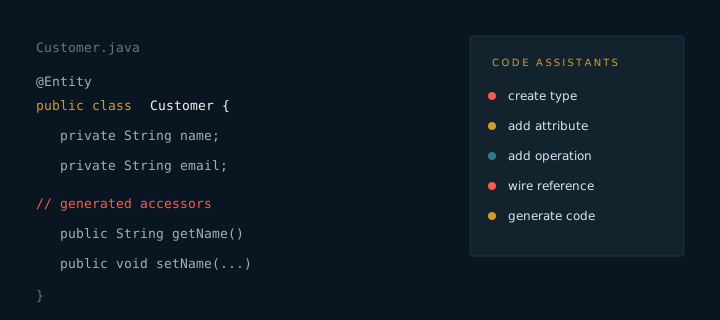
The annotator works in the other direction from generation. Instead of writing code from a model, it reads a Java class and adds that class to the model. Teams that already have a codebase use it to bring existing types into the model without a manual rewrite.
Annotating a class
- Create or open the Java class.
- Add the model annotation that matches the role of the class, such as entity or service.
- Run the annotator on the class.
- Review the new model entry and adjust attributes or operations.
What the annotator reads
- The class name and package, which become the type name and package.
- Fields, which become attributes with inferred types.
- Methods, which become operations with inferred parameters.
- Associations, which become references between types.
Review the result. Inferred names are a starting point. Rename attributes so that they read well in the generated views, then regenerate.
Annotated classes stay in the codebase and continue to be edited by hand. The model records their shape so that recipes can generate the surrounding layers, such as views and controllers, without touching the class itself.